
Streamline email workflows with AI-assisted drafting and actionable insights.
MailSense AI
Write Smarter, Reply Faster
Overview
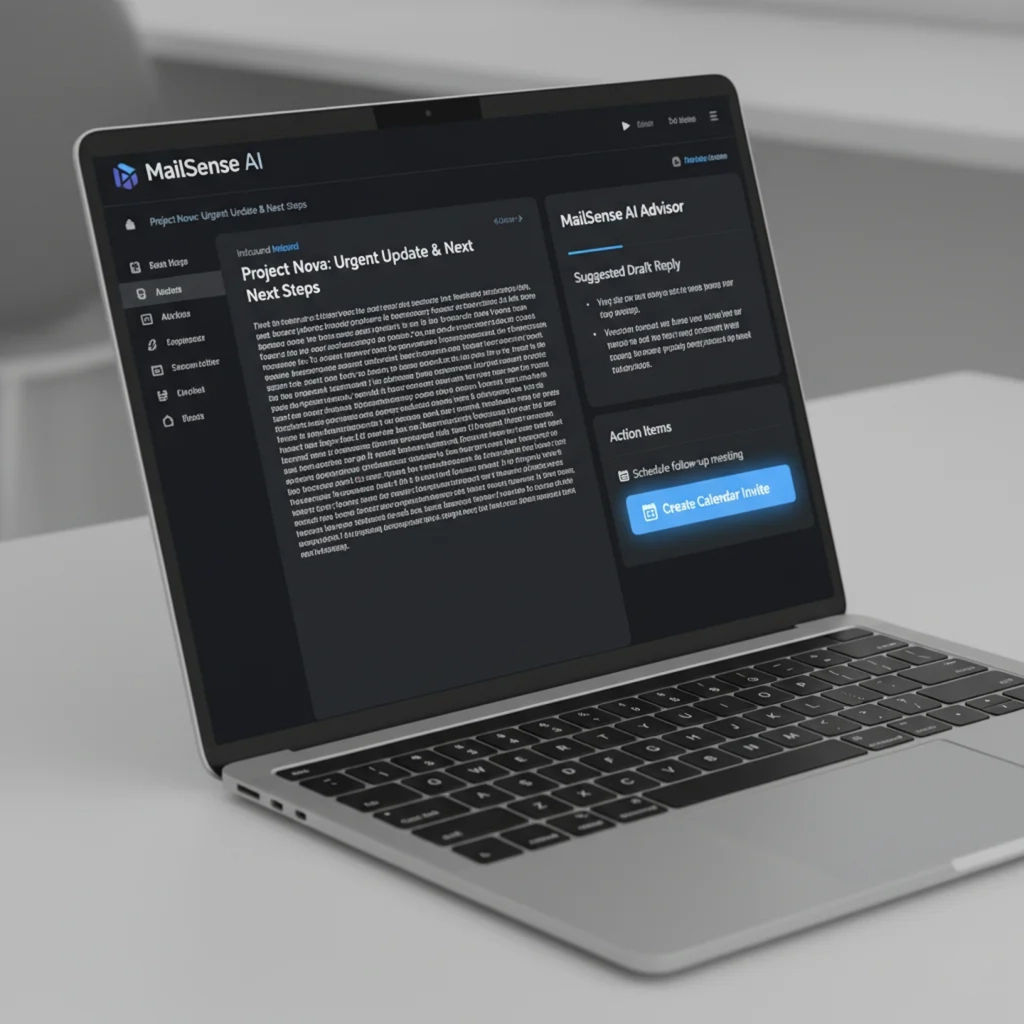
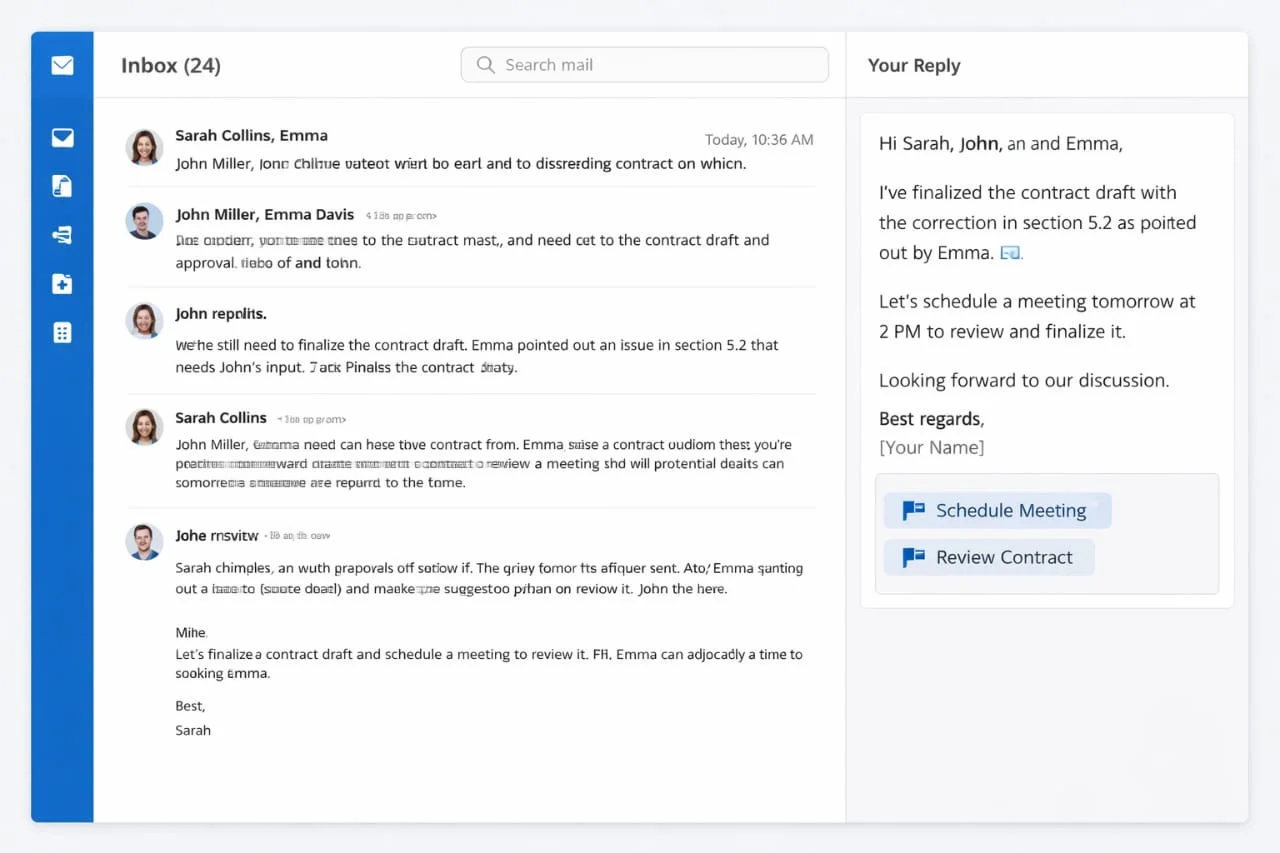
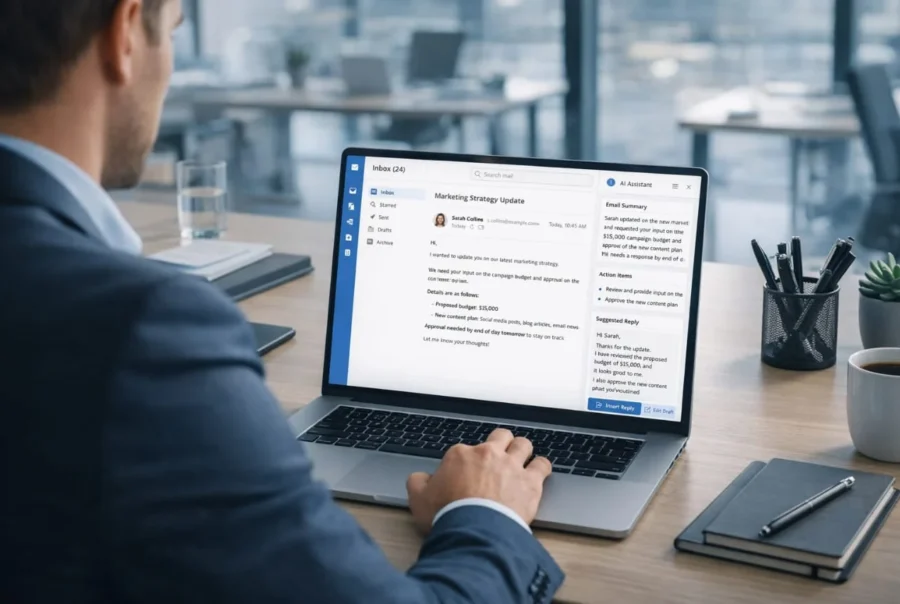
MailSense AI automates email triage and drafting. When an inbound email arrives, the system uses Cortext AI LLM (via a FastAPI backend) to parse key content: it identifies the sender requests, classifies the emails purpose, and summarizes the main points. Then it suggests a draft reply tailored to context (formal, friendly, etc.), referencing relevant documents or past emails stored in Snowflake when needed.
MailSense AI can also flag action items (e.g. schedule meeting) or required legal checks. The user reviews the draft in the React front-end, edits if necessary, and sends it – saving time and improving consistency.
Key Features
How MailSense AI is used?
A paralegal receives a complex client email requesting clarification on a statute and previous contracts. MailSense AI breaks down the email, locates the relevant legal memo from the file system, and composes a clear, accurate response with embedded citations. The paralegal only needs to click “send” after a quick review.
Why do emails consume so much time?
Professionals spend a large portion of their day reading and drafting emails, especially in legal, support, and operations roles. Composing the right tone, ensuring no request is missed, and citing prior correspondence makes email writing tedious and error-prone. Delays responses can frustrate stakeholders, while poorly worded replies risk compliance issues or reduced customer satisfaction.
What improves with MailSense AI?
AI-augmented email tools drastically reduce composition time and cognitive load. In one study, an LLM-assisted QA system improved the efficiency of replying to emails while reduced workload and maintaining email quality. Users handled significantly more emails per day with the same effort. Clients report that response times are often halved, freeing attorneys and support staff to focus on higher-value tasks. Overall, organizations can achieve several-fold gains in communication throughput, with fewer missed emails and standardized professional tone.